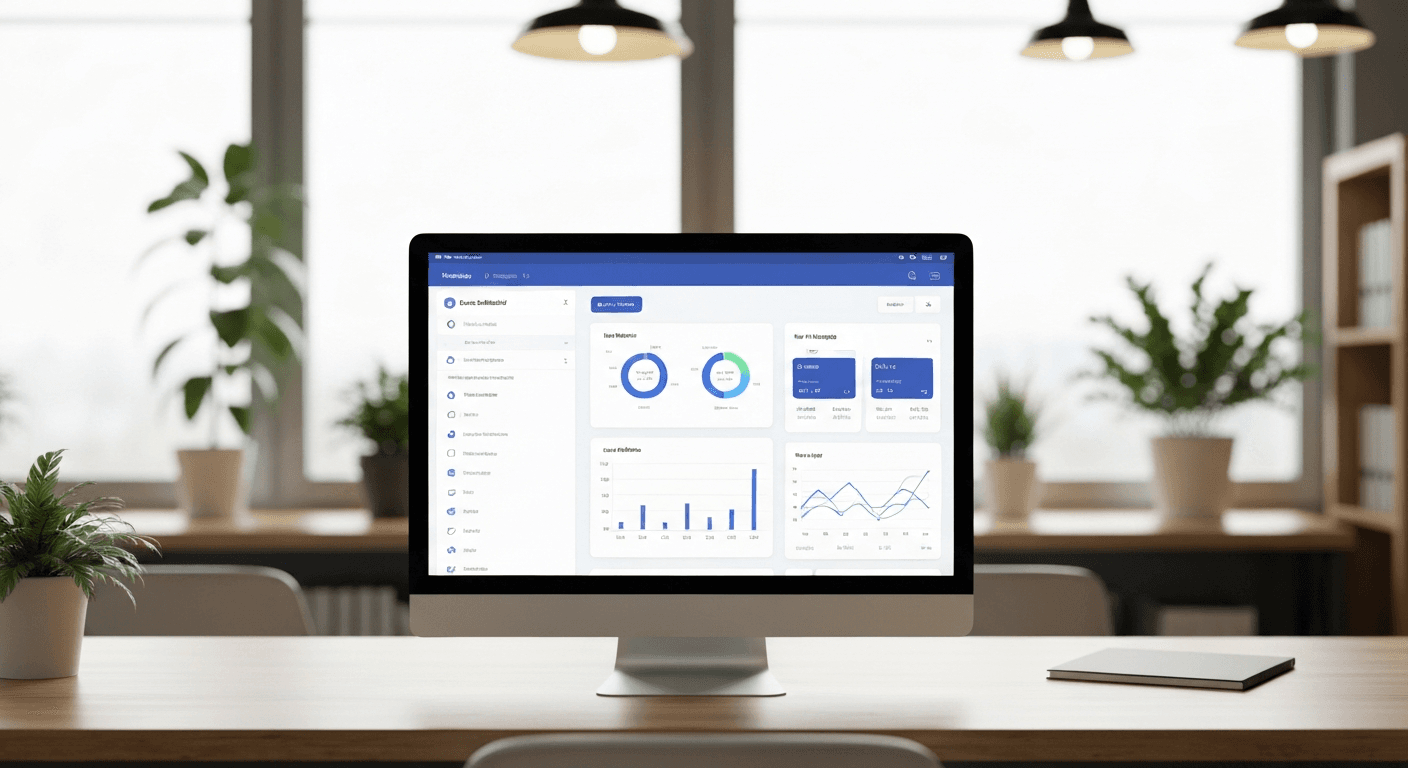
A custom React dashboard can replace your stack of expensive SaaS subscriptions while giving you exactly what your business needs. Instead of paying $50-200/month for each tool, you can build one unified dashboard that handles analytics, customer management, inventory tracking, financial reporting, and project management for a fraction of the cost.
I’ve helped dozens of small business owners break free from the SaaS subscription trap. The pattern is always the same: they start with one tool, then add another, then another. Before they know it, they’re spending $800+ monthly on software that doesn’t talk to each other.
Why Small Businesses Are Perfect Candidates for Custom Dashboards
Small businesses have a unique advantage over enterprises when it comes to custom solutions. You know exactly what metrics matter. You don’t need 47 different report types.
Your dashboard requirements are specific but not complex. Track revenue, monitor key customers, watch inventory levels, see project status. That’s it.
Most SaaS tools are built for the mythical “average business.” But your business isn’t average. You have specific workflows, unique data sources, and particular ways of measuring success that generic tools force you to compromise on.
The 5 Most Common SaaS Tools You Can Replace
Analytics and Reporting Platforms ($89-299/month)
Google Analytics is free, but business intelligence tools like Mixpanel or Amplitude get expensive fast. A custom React dashboard can pull data from your existing sources and display exactly the metrics you check daily.
Build charts that matter to your business. Revenue by customer segment. Conversion rates by traffic source. Customer lifetime value trends. Skip the noise, focus on what drives decisions.
Customer Relationship Management ($45-150/month)
CRM tools promise everything but deliver complexity. Most small businesses need to track customer interactions, deal stages, and follow-up tasks. That’s a weekend React project, not a $1,200/year subscription.
Your custom CRM dashboard can integrate directly with your email, calendar, and accounting system. No more data silos or double entry.
Project Management Software ($99-249/month)
Project management tools multiply features you’ll never use while charging premium prices. A React dashboard components library can create task boards, timeline views, and progress tracking that actually fits your workflow.
Inventory Management Systems ($150-400/month)
Inventory tracking doesn’t need to be complicated. Stock levels, reorder points, supplier information. Build exactly what you need without paying for wholesale distribution features you’ll never touch.
Financial Dashboard Tools ($79-199/month)
Accounting software handles transactions, but financial dashboards show the story. Cash flow trends, profit margins by product, expense categorization. A custom solution pulls from your existing accounting data and presents it clearly.
Building Your React Dashboard: The Technical Foundation
Starting with the right React dashboard components saves months of development time. Modern libraries like Recharts for visualization and React Table for data display handle the heavy lifting.
Your dashboard needs three core layers: data fetching, state management, and component presentation. Keep it simple initially — you can always add complexity later.
Focus on responsive design from day one. Small business owners check dashboards on phones, tablets, and laptops. CSS Grid and Flexbox make this straightforward if you plan for it.
Data Integration Strategy
Most small businesses already have their data scattered across different systems. Your React dashboard becomes the central hub that pulls everything together.
Start with APIs where they exist. Most modern business tools offer REST APIs or webhooks. For legacy systems, consider scheduled data exports that your dashboard can import and process.
Database choice matters less than data structure. Design your data model around your business questions, not your current tool limitations.
Development Timeline and Cost Breakdown
A basic custom React dashboard takes 3-4 weeks to build if you’re working with an experienced developer. Here’s what that timeline typically looks like:
- Week 1: Data modeling, API integration planning, wireframe approval
- Week 2: Core dashboard framework, authentication, basic data display
- Week 3: Custom charts, filtering, user interface polish
- Week 4: Testing, deployment, training
Development costs range from $8,000-15,000 for a comprehensive small business analytics dashboard. Compare that to $400-800 monthly for multiple SaaS subscriptions — you break even in 12-18 months.
But the real value isn’t cost savings. It’s having exactly what your business needs, when you need it, without compromise.
Maintenance and Long-term Considerations
Custom dashboards require ongoing maintenance, but it’s predictable and controllable. Plan for monthly updates, security patches, and feature additions.
Budget roughly 10-15% of initial development cost annually for maintenance and improvements. That’s still less than most SaaS subscriptions, and the improvements are specifically for your business.
The biggest advantage? You’re not at the mercy of a SaaS company’s roadmap or pricing changes. Your dashboard evolves with your business, not against it.
Getting Started: First Steps
Begin with a dashboard audit of your current tools. What do you actually look at every day? What reports do you generate monthly? What data do you wish you could see but can’t?
Prioritize ruthlessly. Your first version should handle 80% of your daily dashboard needs. Perfect is the enemy of shipped.
Work with a developer who understands small business constraints. This isn’t a Fortune 500 enterprise project — it needs to be practical, maintainable, and cost-effective.
Frequently Asked Questions
How long does it take to build a custom React dashboard for a small business?
A comprehensive small business analytics dashboard typically takes 3-4 weeks to develop. This includes planning, development, testing, and deployment. Simple dashboards with basic reporting can be completed in 2 weeks, while complex dashboards with multiple integrations may take 6-8 weeks.
What’s the typical cost to build a custom React dashboard?
Development costs range from $8,000-15,000 for a full-featured dashboard that replaces multiple SaaS tools. This breaks even with SaaS subscriptions in 12-18 months, considering most small businesses spend $400-800 monthly on various dashboard and analytics tools.
Do I need technical knowledge to maintain a custom dashboard?
You don’t need coding skills for day-to-day use, but you’ll need technical support for updates and maintenance. Plan for 10-15% of initial development cost annually for maintenance, security updates, and new features. Many businesses work with their original developer on a monthly retainer.
Can a custom React dashboard integrate with my existing business tools?
Yes, most modern business tools offer APIs or data export options. Popular integrations include accounting software (QuickBooks, Xero), CRM systems, e-commerce platforms, and marketing tools. Legacy systems without APIs can often export data in CSV or database formats that your dashboard can import.
How does dashboard performance compare to SaaS tools?
Custom React dashboards are often faster than SaaS tools because they’re optimized for your specific data and use cases. You’re not loading features you don’t need, and data doesn’t have to travel through multiple third-party systems. Response times under 2 seconds are typical for well-built custom dashboards.
What happens if my business grows significantly?
Custom dashboards scale with proper architecture. React components can handle increased data loads, and cloud hosting can expand as needed. The main advantage is that scaling happens on your timeline with your priorities, not a SaaS vendor’s predetermined feature tiers.


