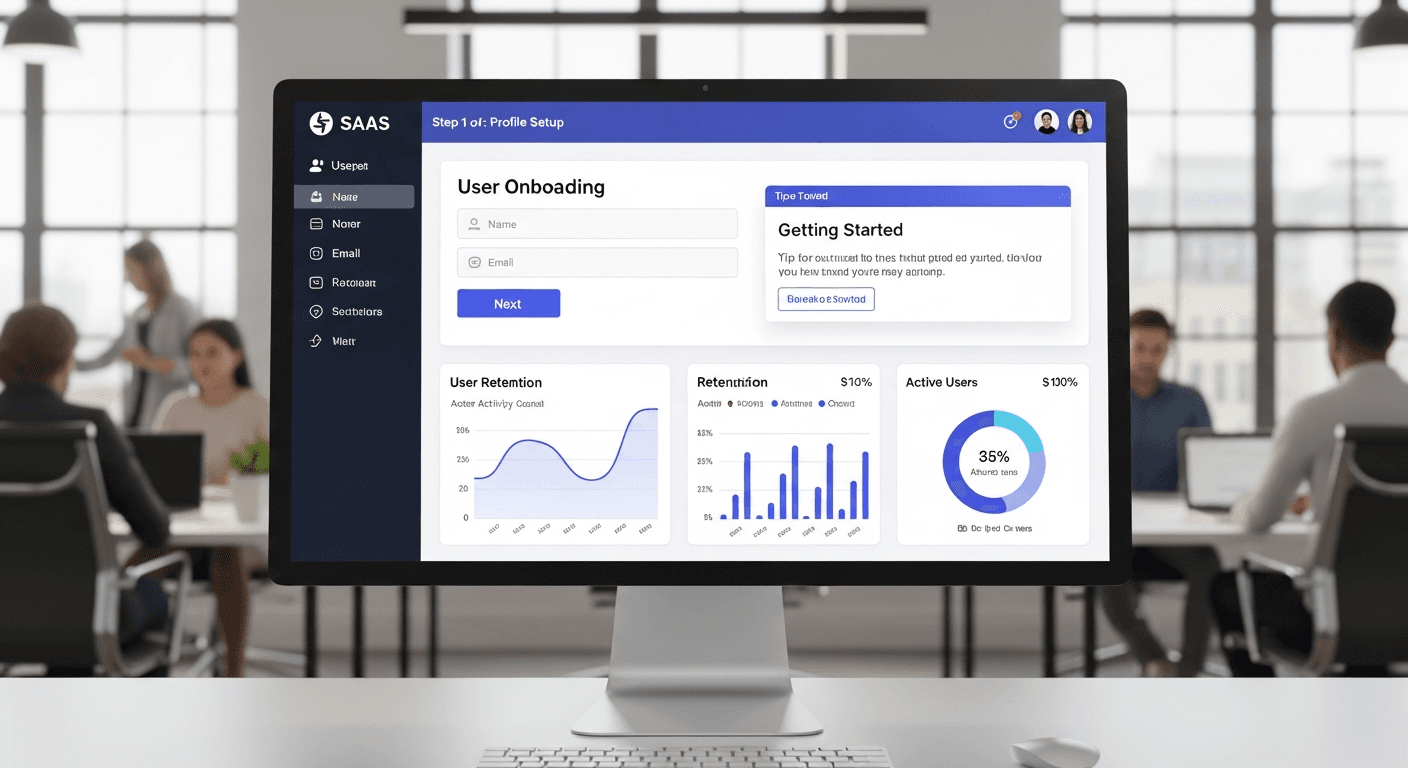
I watched a startup founder last month stare at his analytics dashboard in complete bewilderment. His SaaS product was solid. Features worked. Performance was decent. But 73% of his trial users vanished within the first three days. Sound familiar?
Here’s what most SaaS founders don’t realize: your onboarding flow isn’t just the welcome screens and setup wizards. It’s the make-or-break moment that determines whether someone becomes a paying customer or joins the 73% who disappear without a trace.
After building onboarding components for dozens of SaaS products, I’ve identified the four critical failure points that kill trial conversions — and more importantly, the specific fixes that turn bleeding users into loyal customers.
The Real Cost of Broken SaaS Onboarding
That 73% bleeding rate isn’t just a number. It’s revenue walking out the door.
Let’s say you’re paying $50 to acquire each trial user through ads. If 100 users sign up, you’ve spent $5,000. With a 27% trial-to-paid conversion rate, you get 27 customers. But fix your onboarding to convert just 45% of trials? That’s 18 additional customers from the same ad spend.
The math is brutal when you ignore it. Powerful when you fix it.
Most SaaS teams focus on getting people to sign up. That’s backwards thinking. The real challenge starts after they click “Create Account.” What happens in those first few minutes determines everything.
Component Fix #1: The Progressive Disclosure Navigation
Stop dumping your entire feature set on new users immediately. I’ve seen React apps with 47 navigation items visible on the dashboard. Forty-seven.
Your users aren’t ready for complexity. They’re overwhelmed, confused, and looking for the exit.
Build a navigation component that reveals features progressively. Start with 3-4 core actions. As users complete onboarding milestones, unlock additional sections. Here’s the pattern I use in React onboarding flows:
- Day 1: Show only the primary workflow (usually 2-3 nav items)
- Day 3: Add secondary features after they’ve used the core function
- Day 7: Full navigation unlocks once they’ve established usage patterns
A project management SaaS I worked with dropped their trial abandonment by 34% just by hiding advanced reporting until users created their first project. Simple change. Massive impact.
Component Fix #2: The Contextual Help Tooltip System
Generic help documentation is where user engagement goes to die. Nobody reads 47-page PDF guides anymore. They want help exactly when and where they need it.
Build contextual tooltips that appear based on user behavior, not just hover states. Track where users hesitate, where they click multiple times, where they pause longer than 8 seconds. Those are your intervention points.
I’ve built tooltip components that trigger based on:
- Time spent on a page without action (15+ seconds)
- Multiple clicks in the same area without success
- Return visits to the same screen without completing the workflow
The key is timing. Show help before frustration sets in, not after users are already reaching for the browser’s back button.
Component Fix #3: The Progress Validation Widget
Users need proof they’re making progress. Without clear validation, they assume your product doesn’t work or isn’t right for them.
Build a progress component that celebrates small wins immediately. Not just “Step 2 of 5 complete” — that’s mechanical. Show business value unlocked:
- “Your first automation is running” (not “Profile setup complete”)
- “Dashboard configured for your data” (not “Settings saved”)
- “Integration active — data flowing” (not “Connection established”)
Frame progress in terms of user outcomes, not system states. People don’t care that your database recorded their information. They care that they’re closer to solving their problem.
A CRM tool I optimized saw trial conversions jump 28% when we changed “Contact imported” to “Your sales pipeline is now trackable.” Same technical achievement. Completely different psychological impact.
Component Fix #4: The Friction Detector and Auto-Recovery
This is where most SaaS products fail silently. Users hit friction, get stuck, and leave. You never know where or why they abandoned.
Build components that detect friction patterns and automatically offer recovery paths. Track behavioral signals:
- Form fields with high edit/re-edit rates (confusing labels)
- Buttons clicked multiple times without response (loading issues)
- Pages with high bounce rates during onboarding (overwhelming content)
When your React components detect these patterns, trigger intervention workflows. Maybe it’s a simplified alternative path. Maybe it’s direct access to support. Maybe it’s a “skip for now” option with follow-up.
The goal isn’t perfect onboarding. It’s onboarding that recovers gracefully when things go wrong.
Implementation Priority: Start With the Biggest Bleed Point
Don’t try to fix everything simultaneously. Your analytics will show you exactly where most users drop off. That’s your starting point.
Usually it’s one of these moments:
- Right after account creation (overwhelming first impression)
- During initial setup (too many required fields)
- At the first “real” task (unclear next steps)
- When trying to integrate data (technical complexity)
Fix the biggest leak first. Measure the impact. Then move to the next component.
I’ve seen SaaS teams spend months perfecting their welcome email sequence while 60% of users can’t figure out how to import their data. Priorities matter.
The 48-Hour Rule
Here’s something most SaaS teams miss: users make their “keep or cancel” decision within 48 hours of signing up. Not at the end of the trial. Within two days.
Your onboarding components need to deliver genuine value in that window. Not setup. Not configuration. Actual business value that solves a real problem.
If users don’t experience meaningful progress within 48 hours, they mentally check out. They might not cancel immediately, but they’ve already decided.
Measuring What Actually Matters
Stop tracking vanity metrics like “onboarding completion rate.” Track business metrics:
- Time to first value delivered (not time to setup completion)
- Feature adoption depth (not breadth)
- User-initiated actions (not system-triggered events)
- Return visit patterns (daily use beats monthly use)
The founder I mentioned earlier? After implementing these four component fixes, his trial-to-paid conversion jumped from 27% to 49% in six weeks. Same product. Same price. Better onboarding experience.
Your SaaS product might be brilliant. But if users can’t figure out how to succeed with it quickly, they’ll never stick around long enough to discover that brilliance.
Start with component fix #1 tomorrow. Your conversion rates will thank you.
Frequently Asked Questions
How long should SaaS onboarding take to complete?
Effective SaaS onboarding should deliver the first meaningful value within 5-10 minutes, not complete the entire setup process. Focus on getting users to their “aha moment” quickly rather than checking every configuration box. Full onboarding can extend over days or weeks, but that initial value must come fast.
What’s the biggest mistake in React onboarding flow design?
The biggest mistake is showing too much complexity upfront. React developers often build components that expose every feature immediately because it’s technically easier than progressive disclosure. This overwhelms new users and increases abandonment rates significantly.
Should I require users to complete onboarding before accessing the product?
No. Forced linear onboarding often increases abandonment. Instead, allow users to explore while providing contextual guidance. Let them skip steps and return later, but ensure core value delivery happens regardless of completion status.
How do I track onboarding effectiveness beyond conversion rates?
Track behavioral depth metrics: time to first meaningful action, feature adoption sequence, user-initiated vs. system-prompted actions, and return engagement patterns. Users who find value engage differently than those just clicking through required steps.
What’s the ideal trial length for SaaS products?
Trial length matters less than value delivery speed. Whether you offer 7, 14, or 30 days, users typically make their decision within 48 hours of first use. Focus on delivering compelling value in that critical window rather than extending trial duration.
How often should I update my onboarding components?
Review onboarding performance monthly, but make changes quarterly unless you identify critical friction points. Constant changes confuse users and make it harder to measure impact. Test one component fix at a time and measure results before implementing additional changes.


