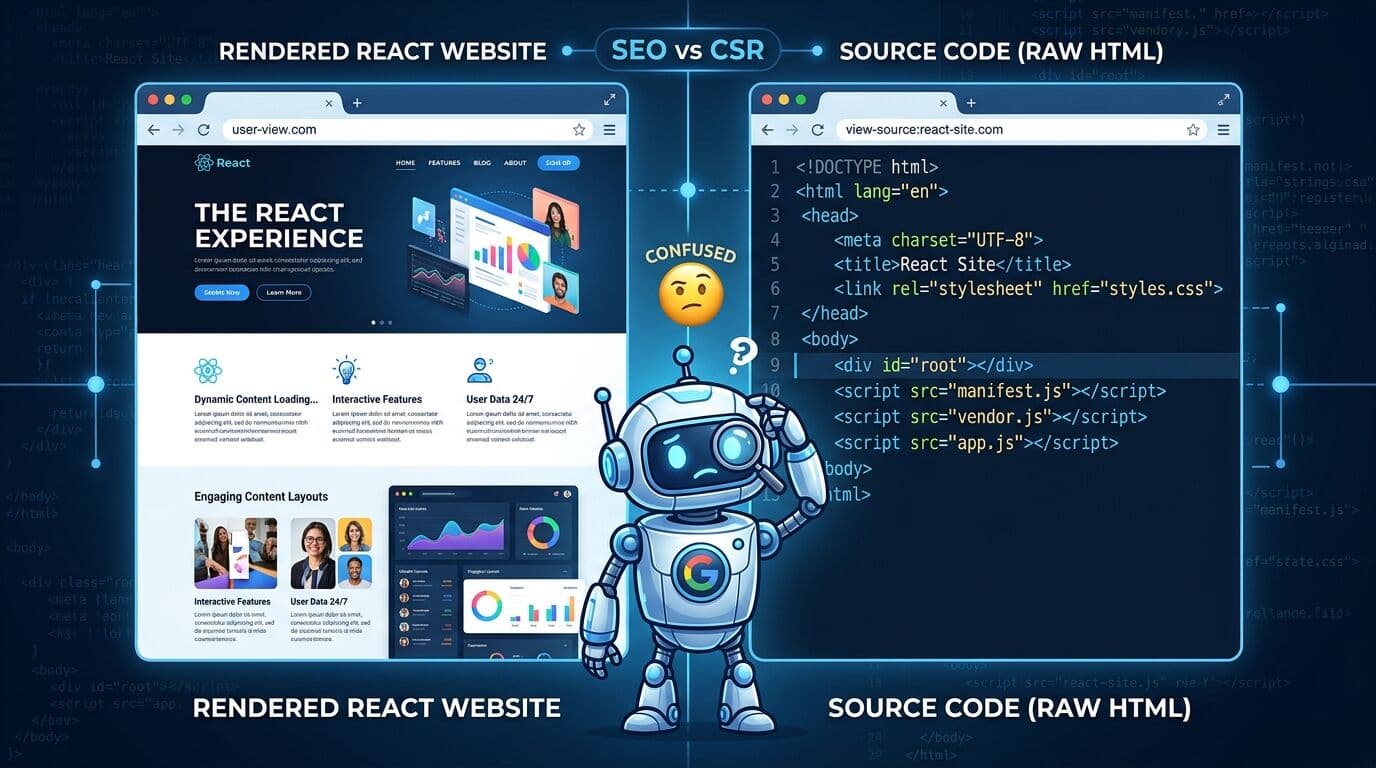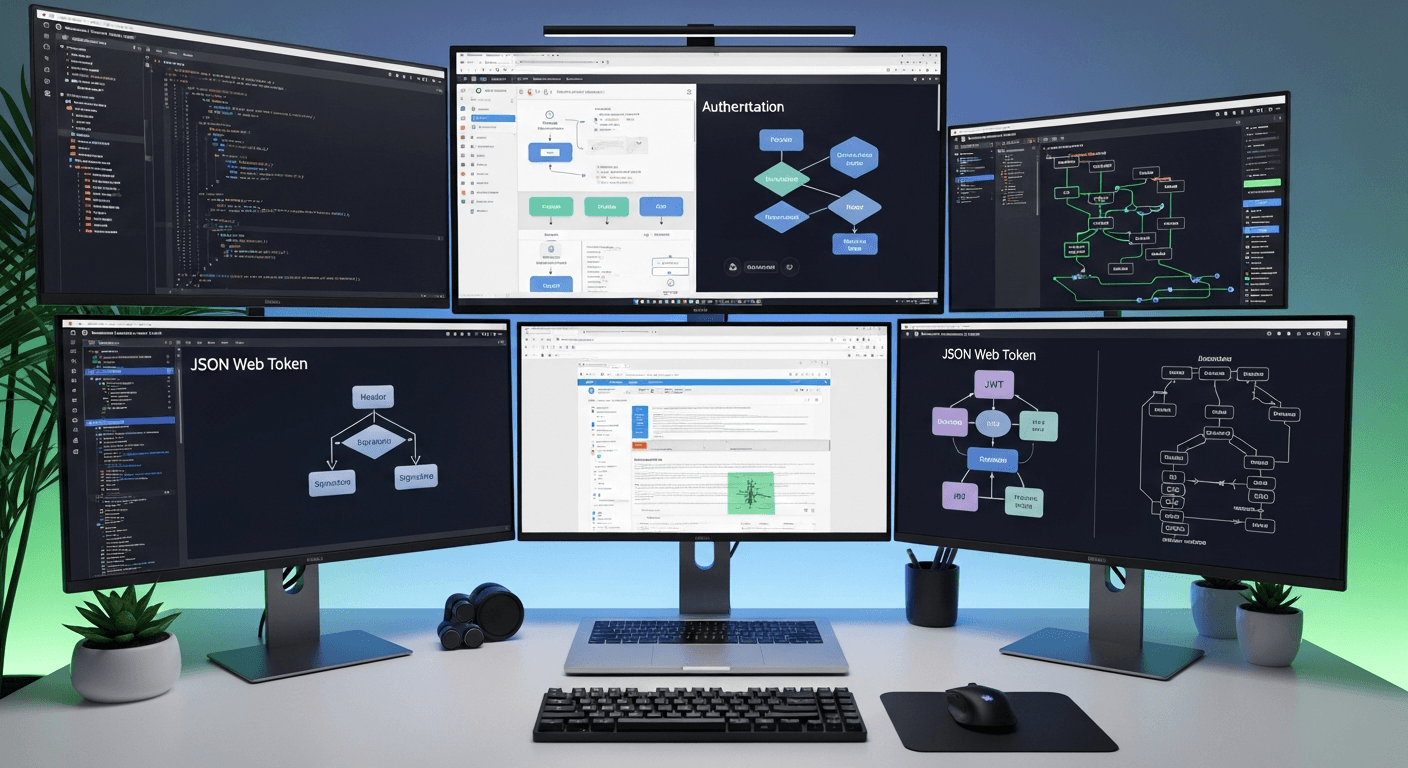
Building a React-based multi-tenant SaaS authentication system that scales to 10,000+ users while maintaining WCAG compliance requires strategic architectural decisions from day one. The key is implementing proper tenant isolation at the database level, using JWT tokens with tenant context, and designing your authentication UI components with accessibility baked in rather than bolted on afterward.
The Foundation: Tenant Isolation Architecture
Your React multi-tenant authentication starts with how you structure tenant data. I’ve seen too many developers try the shared database approach with tenant_id columns everywhere. Don’t do this.
Use database-per-tenant or schema-per-tenant isolation instead. When a user logs in, your authentication service needs to identify their tenant first, then route them to the correct data store. This approach prevents data leakage between tenants and makes scaling individual tenants much easier.
Here’s the flow I recommend: subdomain determines tenant (company.yoursaas.com), authentication service validates credentials against that tenant’s user store, then issues a JWT containing both user identity and tenant context.
React Authentication Components That Scale
Your React components need to handle tenant context from the moment they load. Create a TenantProvider that wraps your entire app:
The provider should extract tenant information from the URL, store it in context, and make it available to all child components. Your login component then uses this tenant context to send authentication requests to the correct endpoint.
For performance at scale, implement proper component memoization. Login forms get rendered thousands of times daily in a busy SaaS. Use React.memo() on your authentication components and useMemo() for expensive operations like form validation.
WCAG Compliant Login Forms
WCAG compliant login design isn’t just about alt tags. It’s about creating forms that work for everyone, including users with screen readers, motor disabilities, and cognitive impairments.
Start with proper semantic HTML. Use actual form elements, not divs styled to look like inputs. Every input needs an associated label using the “for” attribute. Error messages must be programmatically associated with their inputs using aria-describedby.
Focus management is critical. When validation errors occur, move focus to the first error. When login succeeds, announce the success to screen readers using aria-live regions. I always include a “Skip to main content” link as the first focusable element.
Color contrast ratios matter more than you think. WCAG AA requires 4.5:1 contrast for normal text, 3:1 for large text. Test your login forms with tools like WebAIM’s contrast checker. Don’t rely solely on color to indicate errors—use icons and text too.
JWT Token Strategy for Multi-Tenant Systems
Your JWT tokens need to carry tenant information securely. Include the tenant ID in the token payload, but never trust it blindly on the backend. Always validate that the authenticated user actually belongs to the claimed tenant.
Token refresh becomes tricky with multiple tenants. Store refresh tokens per-tenant and implement proper token rotation. Set short expiration times (15-30 minutes) for access tokens, longer for refresh tokens (7-30 days).
For 10,000+ users, implement token blacklisting using Redis. When users log out or get deactivated, add their tokens to a blacklist that your API checks on every request. This adds minimal latency but prevents zombie tokens from causing security issues.
Database Design for Scale
Your SaaS user management system needs to handle concurrent logins across tenants efficiently. Design your user tables with proper indexing on email, tenant_id, and login timestamps.
Implement connection pooling at the database level. With multiple tenants, you can’t afford to open new connections for every authentication request. Use a connection pool that can handle 100+ concurrent connections comfortably.
Consider read replicas for authentication queries. Login verification is read-heavy, so offload these operations to replica databases. Keep user creation and password updates on the primary database only.
Session Management Across Tenants
Session storage becomes complex with multiple tenants. Don’t store session data in localStorage—it’s not secure and doesn’t work across subdomains. Use httpOnly cookies with proper domain settings.
Implement session timeout policies per tenant. Some enterprise clients want 8-hour sessions, others prefer 30 minutes. Store these preferences in your tenant configuration and respect them in your React authentication logic.
Performance Optimization Strategies
Scalable React authentication means optimizing for the critical path. Lazy load authentication-related components using React.lazy(). Most users don’t need the password reset flow immediately.
Implement proper caching for tenant configuration data. If you’re hitting your database to check tenant settings on every login, you’re doing it wrong. Cache this data in Redis with appropriate TTL values.
Use React Query or SWR for authentication state management. These libraries handle caching, refetching, and error states much better than custom useState hooks. They also provide excellent TypeScript support for strongly-typed authentication responses.
Security Considerations
Rate limiting is non-negotiable at scale. Implement per-IP and per-tenant rate limiting for login attempts. I typically allow 5 failed attempts per IP per 15 minutes, with exponential backoff.
Monitor for brute force attacks across tenants. Attackers often target multiple tenant login pages simultaneously. Implement cross-tenant attack detection that can temporarily block suspicious IPs.
Password policies should be tenant-configurable but have sensible defaults. Enterprise clients often have specific password requirements. Store these policies per tenant and enforce them in both React form validation and backend API validation.
Monitoring and Analytics
Track authentication metrics that matter: login success rates per tenant, authentication response times, and failed login patterns. This data helps you identify performance bottlenecks and security threats early.
Implement proper error logging with tenant context. When authentication fails, log which tenant, what error type, and relevant request metadata. This makes debugging multi-tenant issues much easier.
Set up alerts for authentication system health. Monitor JWT token validation times, database connection pool usage, and Redis cache hit rates. These metrics predict scaling issues before they impact users.
Frequently Asked Questions
How do I handle tenant data isolation in a React multi-tenant authentication system?
Use database-per-tenant or schema-per-tenant isolation rather than shared tables with tenant_id columns. Extract tenant information from subdomains or URLs, validate it during authentication, and include it in JWT tokens. This prevents data leakage and makes scaling individual tenants easier.
What are the key WCAG compliance requirements for SaaS login forms?
Focus on semantic HTML with proper form elements, associated labels using “for” attributes, and aria-describedby for error messages. Maintain 4.5:1 color contrast ratios, implement proper focus management, and use aria-live regions for dynamic status updates. Don’t rely solely on color to indicate errors.
How should JWT tokens be structured for multi-tenant systems?
Include tenant ID in the token payload but always validate that the authenticated user belongs to the claimed tenant on the backend. Implement short access token expiration (15-30 minutes) with longer refresh tokens (7-30 days). Use Redis for token blacklisting to handle logout and deactivation scenarios.
What database design patterns work best for 10,000+ user authentication?
Implement proper indexing on email, tenant_id, and login timestamps. Use connection pooling to handle concurrent requests efficiently. Consider read replicas for authentication queries since login verification is read-heavy. Keep user creation and password updates on the primary database.
How do I optimize React authentication components for performance at scale?
Use React.memo() on authentication components and useMemo() for expensive operations like form validation. Implement lazy loading with React.lazy() for non-critical authentication flows. Use React Query or SWR for authentication state management instead of custom useState hooks.
What security measures are essential for scalable SaaS authentication?
Implement per-IP and per-tenant rate limiting (5 failed attempts per IP per 15 minutes typical). Monitor for cross-tenant brute force attacks and implement suspicious IP blocking. Use tenant-configurable password policies with sensible defaults, and enforce validation on both frontend and backend.