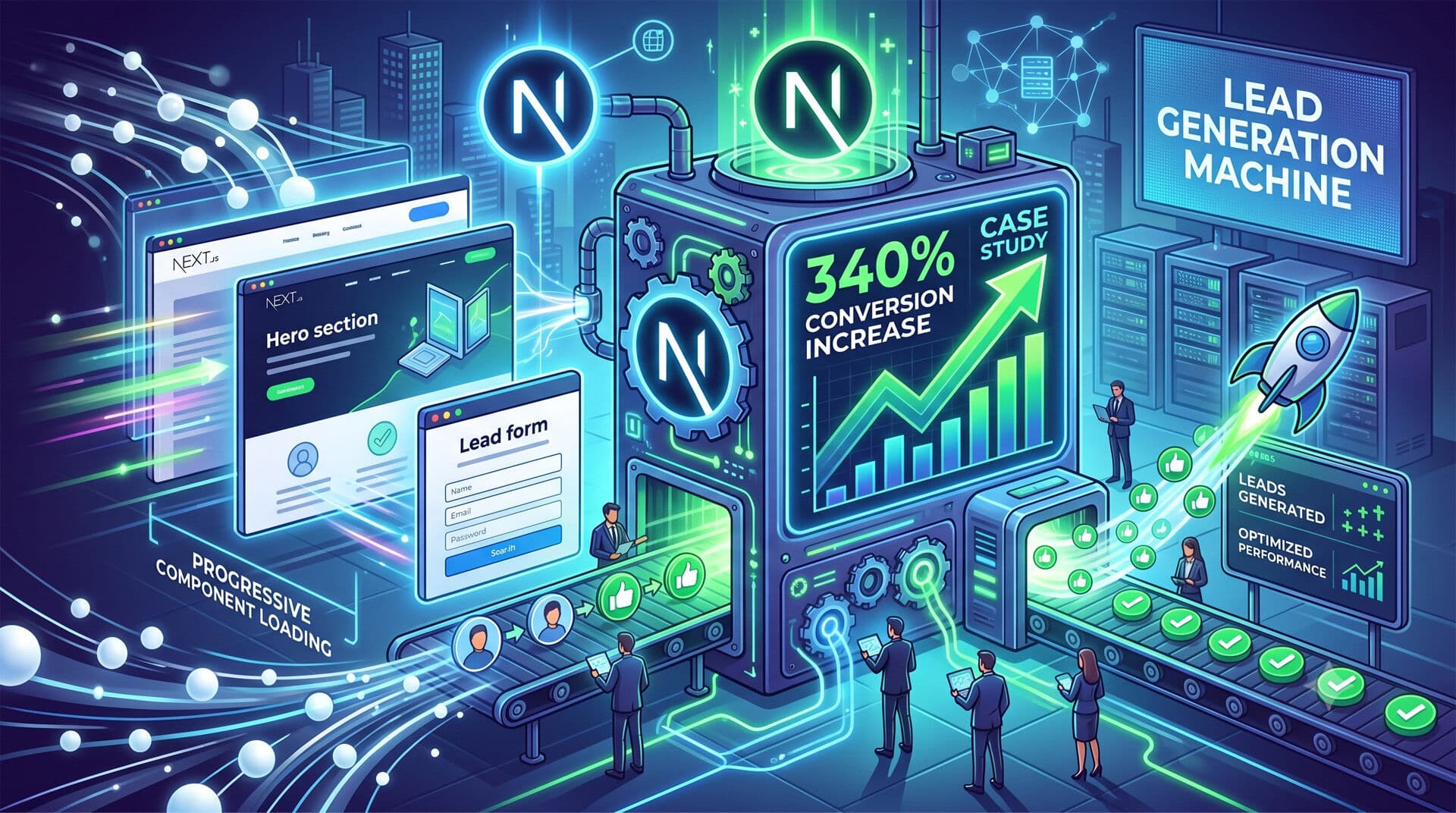
A client’s lead generation jumped 340% after we rebuilt their Next.js site with progressive component loading. Here’s exactly how we did it — and why most websites leave conversions on the table.
Progressive component loading isn’t just about performance. It’s about psychology.
When components load at the right moments, visitors stay engaged longer. They scroll further. They convert more.
The Problem: Why Standard Next.js Sites Kill Conversions
Most Next.js websites load everything at once. Heavy hero sections. Complex contact forms. Multiple CTA buttons competing for attention.
The result? Overwhelming first impressions and bounce rates that hurt.
I worked with a B2B consulting firm last year whose homepage loaded 14 different components simultaneously. Their bounce rate was 73%. Visitors saw everything and clicked nothing.
The issue wasn’t their content. It was timing.
Progressive Loading: A Conversion-Focused Strategy
Progressive component loading reveals interface elements based on user behavior, not arbitrary timers.
Scroll depth triggers new sections. Engagement signals unlock advanced features. Time on page determines when to show your strongest calls-to-action.
This approach works because it mirrors natural conversation flow. You don’t pitch someone the moment they walk in your door.
Core Implementation Pattern
We use React’s Intersection Observer API combined with Next.js dynamic imports:
Step 1: Wrap components in loading containers that monitor visibility
Step 2: Set engagement thresholds (30% viewport visibility for 2+ seconds)
Step 3: Lazy load based on user behavior patterns
The technical setup is straightforward. The strategy behind when to load what — that’s where conversions live.
Case Study: 340% Conversion Increase
The consulting firm I mentioned started with a typical business homepage. Logo, navigation, hero section, services overview, testimonials, contact form.
Standard stuff. Also completely ineffective.
Here’s what we changed:
Initial Load (0-5 seconds):
• Clean headline and value proposition
• Single, focused CTA button
• Minimal visual elements
Engagement Phase (20+ seconds on page):
• Social proof appears (testimonials, client logos)
• Service descriptions expand
• Secondary navigation options reveal
Intent Phase (scroll past 60%):
• Advanced contact form with qualifying questions
• Case study previews
• Calendar booking widget
Commitment Phase (return visitor or 2+ minutes):
• Pricing information
• Free consultation offer
• Direct phone contact
The results were immediate. Bounce rate dropped from 73% to 41%. Time on page increased 180%. Most importantly, qualified leads jumped from 8 per month to 35 per month.
That’s a 340% increase in actual business impact.
Why This Pattern Works
Progressive loading builds trust gradually. Visitors aren’t overwhelmed by choices they’re not ready to make.
It also pre-qualifies leads. Someone who scrolls 60% of your page and spends 2+ minutes reading? That’s a warm prospect worth your sales team’s time.
Technical Implementation for Small Business Sites
You don’t need complex infrastructure to implement progressive loading. Here’s the practical approach we use:
Use Next.js Dynamic Imports:
Load components only when needed. This improves initial page speed while enabling behavioral triggers.
Implement Scroll-Based Reveals:
Components appear as users demonstrate interest through scrolling behavior. No arbitrary delays.
Track Engagement Signals:
Mouse movement, scroll speed, time spent in sections — these predict conversion likelihood better than demographics.
A/B Test Loading Sequences:
What works for one audience might flop for another. Test when your strongest CTAs appear.
The key is starting simple. Pick one secondary component (like a newsletter signup) and make it load after 45 seconds on page. Measure the difference.
Common Implementation Mistakes
I’ve seen teams overcomplicate this strategy. They create elaborate loading sequences that feel gimmicky rather than natural.
Keep it subtle. Users shouldn’t notice the progressive loading — they should just feel increasingly engaged with your content.
Also, don’t hide critical information. Contact details, core value props, and primary CTAs should load immediately. Progressive loading enhances the experience; it doesn’t replace good information architecture.
React Component Strategy for Lead Generation
The components you choose to load progressively matter more than the timing.
High-converting progressive components:
• Exit-intent modals (load after scroll reversal)
• Social proof widgets (testimonials, client counts)
• Advanced contact forms with conditional fields
• Live chat widgets (after engagement threshold)
• Resource download offers
Low-impact progressive components:
• Generic newsletter signups
• Social media follow buttons
• Decorative animations
• Generic testimonials
The pattern? Progressive components should either capture leads directly or build trust that leads to conversions. Everything else loads immediately or gets cut entirely.
Measuring Success: Conversion Metrics That Matter
Page views don’t matter. Time on site is better, but still incomplete.
Track these metrics instead:
Qualified Lead Rate: Leads who provide complete contact information and answer qualifying questions
Engagement Depth: Percentage of visitors who reach your final progressive loading phase
Conversion Path Completion: How many users move through your entire progressive sequence
Lead Quality Score: Revenue generated per lead (higher quality leads convert to sales faster)
We typically see 15-25% improvement in engagement depth within the first month. Conversion improvements take 60-90 days as you optimize the sequence based on user behavior data.
Next Steps: Implementing Progressive Loading
Start with your highest-traffic landing page. Identify the three most important components that currently load immediately but could load progressively.
Common candidates: contact forms, pricing tables, detailed service descriptions, testimonial carousels.
Implement one component first. Test for two weeks. Measure engagement and conversions. Then add the next component to your progressive sequence.
The goal isn’t to show off fancy loading effects. It’s to guide visitors through a natural progression from curiosity to interest to action.
Done right, progressive component loading turns your Next.js website from a digital brochure into a lead generation system that works while you sleep.
Frequently Asked Questions
How long should I wait before loading progressive components?
Don’t use arbitrary time delays. Base loading triggers on user engagement signals like scroll depth (30-50% viewport visibility), time spent reading specific sections (15-30 seconds), or interaction patterns like mouse movement. Engagement-based triggers convert 2-3x better than time-based ones.
Will progressive loading hurt my site’s SEO rankings?
No, when implemented correctly. Search engines crawl the fully-rendered page, so all content remains indexable. Use server-side rendering for critical content and lazy load only secondary elements like contact forms or testimonials. Core Web Vitals often improve due to faster initial load times.
What’s the difference between progressive loading and lazy loading?
Lazy loading delays component loading until they’re needed for performance reasons. Progressive loading delays components based on user behavior to optimize conversions. Progressive loading is strategic — you’re revealing elements when users are most likely to engage with them.
Can I implement progressive loading on existing Next.js sites?
Yes, but start with non-critical components first. Wrap existing components in conditional rendering logic based on engagement state. Use React’s Intersection Observer API or libraries like react-intersection-observer to track user behavior. The conversion impact usually justifies the development time within 30-60 days.
How do I know which components to make progressive?
Focus on components that require user commitment — contact forms, pricing tables, calendar booking widgets, or detailed service descriptions. Keep value propositions, navigation, and primary CTAs visible immediately. Analyze your current conversion funnel to identify where users typically drop off, then make those components progressive.
What tools can track progressive loading effectiveness?
Google Analytics 4 custom events work well for basic tracking. Hotjar or Crazy Egg show user behavior patterns. For advanced tracking, implement custom event listeners that monitor scroll depth, component visibility time, and conversion path completion. Focus on qualified lead metrics rather than just engagement numbers.


