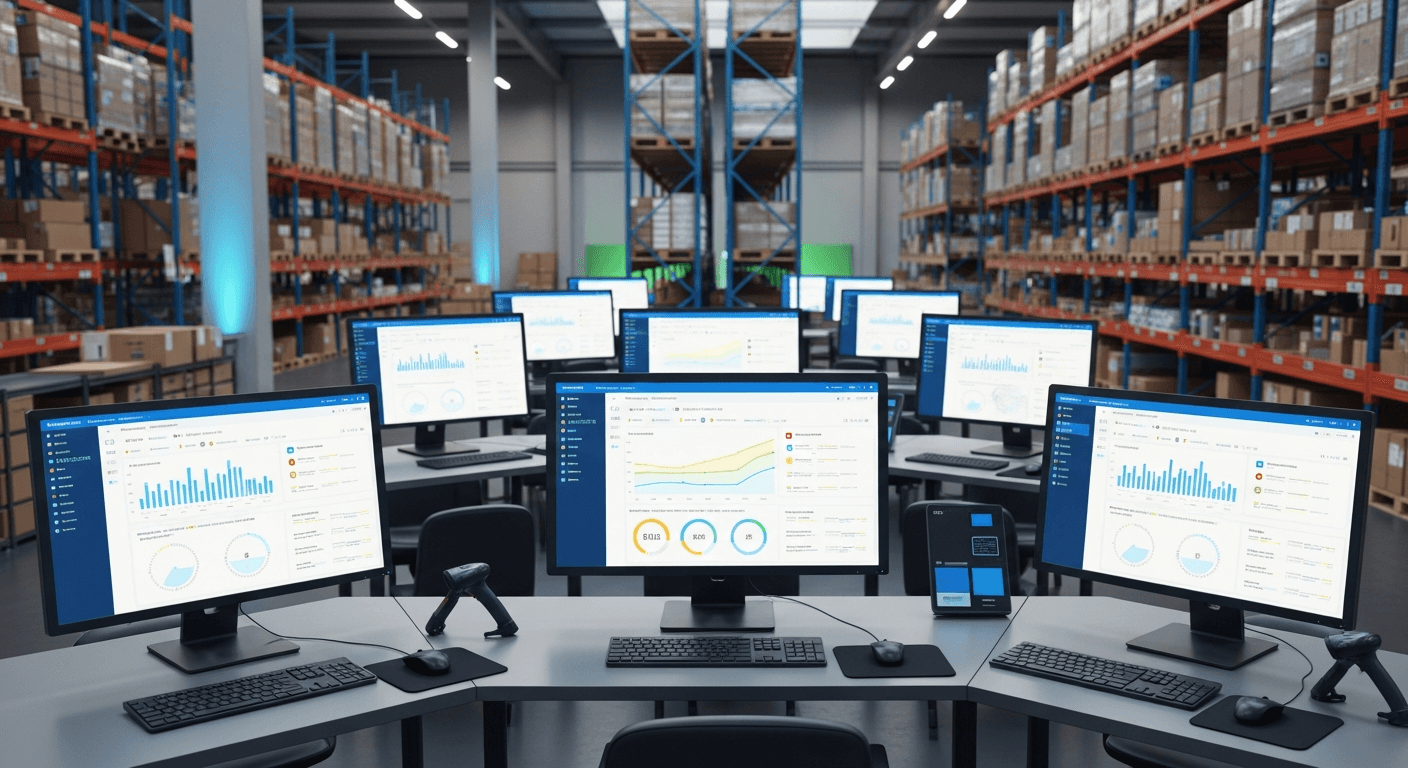
A well-designed React inventory management system can reduce small business stock-outs by 45% through real-time tracking, automated alerts, and predictive analytics. The key lies in building a dashboard that connects directly to your sales channels and provides instant visibility into stock levels, reorder points, and purchasing patterns.
I’ve built inventory systems for dozens of small businesses over the past five years. The difference between a system that sits unused and one that transforms operations comes down to three critical components: real-time data synchronization, intuitive user interface design, and automated decision-making tools.
Why React Excels for Business Inventory Software
React’s component-based architecture makes it perfect for inventory dashboards. You need different views for different roles — warehouse staff need barcode scanning, managers need reports, and purchasing teams need supplier integration.
With React, you can build reusable components that share state seamlessly. Your inventory grid component can instantly reflect changes made in your receiving module. No page refreshes, no data delays.
The real advantage? React’s ecosystem handles the heavy lifting. Libraries like React Query manage your API calls and caching, while Material-UI or Tailwind CSS speed up interface development. You spend time on business logic, not reinventing wheels.
Essential Features That Actually Reduce Stock-Outs
Real-Time Stock Level Monitoring
Most small businesses check inventory weekly or monthly. That’s too late.
Your React stock management system needs live updates. When someone sells a product at the register, inventory levels should update immediately across all screens. Use WebSocket connections or server-sent events to push changes instantly.
Build a visual stock level indicator component that changes color as inventory drops. Green for healthy stock, yellow when approaching reorder points, red when critically low. Make it impossible to miss impending stock-outs.
Automated Reorder Point Calculations
Manual reorder points fail because they’re static. Sales velocity changes constantly.
Create a React component that calculates dynamic reorder points based on:
- Average daily sales over the last 30 days
- Supplier lead times
- Safety stock requirements
- Seasonal variations
The math isn’t complex, but automation makes the difference. I’ve seen businesses reduce stock-outs by 60% just by switching from fixed reorder points to dynamic calculations.
Predictive Analytics Dashboard
Here’s where React really shines. Build charts using libraries like Chart.js or Recharts that show inventory trends over time.
Your dashboard should predict when you’ll run out of each product based on current sales velocity. Display this as a simple “days of inventory remaining” metric. Store managers can spot problems weeks in advance instead of scrambling when shelves go empty.
Building Your React Inventory Tracking Dashboard
Component Architecture
Structure your app with these core components:
- InventoryGrid — Main product listing with search and filters
- ProductCard — Individual product details and quick actions
- StockLevelIndicator — Visual stock status component
- ReorderAlerts — Notification center for low stock items
- AnalyticsChart — Sales velocity and trend visualization
- PurchaseOrderForm — Streamlined reordering interface
Each component should handle one responsibility. Keep state management simple with React’s built-in hooks or add Redux if you need complex state sharing.
Data Flow and API Integration
Your inventory system is only as good as its data. Connect to your point-of-sale system, e-commerce platform, and supplier APIs.
Use React Query to handle API calls and caching. It automatically refetches data when components mount and provides loading states. Your users see fresh data without manual refreshes.
Build error boundaries around your components. If your POS system goes offline, show cached data with clear indicators about data freshness. Don’t let technical hiccups break your workflow.
Implementation Strategy for Small Businesses
Start small. Build the core inventory grid first — product names, quantities, and basic search. Get that working perfectly before adding advanced features.
Most small businesses need these features in this order:
- Current stock levels with manual adjustment capability
- Low stock alerts via email or in-app notifications
- Basic sales reporting and velocity calculations
- Purchase order generation and supplier integration
- Advanced analytics and forecasting
Don’t try to build everything at once. I’ve seen businesses abandon half-finished inventory systems because they took on too much complexity upfront.
Performance Considerations
Inventory data can get large quickly. A small retail business might track 5,000+ SKUs with years of transaction history.
Implement virtual scrolling for your product grids using libraries like react-window. Load only visible rows to keep your interface responsive.
Use React.memo() on components that render product data. Stock levels might update frequently, but product names and descriptions rarely change. Prevent unnecessary re-renders to keep your dashboard snappy.
Measuring Success: The 45% Reduction
Track your stock-out reduction with these metrics:
- Stock-out frequency — How often products go to zero inventory
- Stock-out duration — Average days between running out and restocking
- Lost sales value — Revenue missed due to empty shelves
The 45% reduction comes from faster response times. When your system alerts you three weeks before running out instead of three days, you have time to place orders and receive inventory.
One client went from 12 stock-outs per month to 4 after implementing automated reorder alerts. Another reduced their safety stock by 30% while improving availability because they could reorder more precisely.
Common Pitfalls to Avoid
Don’t over-engineer the user interface. Warehouse workers need big buttons and clear text, not fancy animations. Build for speed and clarity over visual flair.
Avoid building your own barcode scanning. Use existing solutions like QuaggaJS or integrate with dedicated barcode scanners. Focus your development time on business logic, not reinventing commodity features.
Never skip mobile optimization. Store managers check inventory on phones constantly. Your React app should work perfectly on mobile devices — consider a mobile-first design approach.
Frequently Asked Questions
How long does it take to build a React inventory management system?
A basic system takes 4-6 weeks for an experienced React developer. This includes core inventory tracking, basic alerts, and simple reporting. Advanced features like predictive analytics and supplier integration add another 2-4 weeks.
What’s the typical cost to develop a custom React inventory system?
Development costs range from $15,000-$40,000 depending on features and complexity. Compare this to annual subscriptions for commercial solutions that often cost $2,000-$8,000 per year. Custom systems typically pay for themselves within 2-3 years.
Can a React inventory system integrate with existing POS systems?
Yes, most modern POS systems offer APIs for inventory synchronization. Square, Shopify, and Clover all provide real-time inventory webhooks. Integration complexity depends on your POS vendor’s API quality, but it’s typically straightforward.
How do you handle inventory across multiple locations?
Build location as a core data attribute in your React components. Each product should have inventory levels per location. Your dashboard can show consolidated views or location-specific views based on user permissions. Transfer orders between locations become simple React forms.
What database works best for React inventory management systems?
PostgreSQL handles inventory data excellently with strong ACID compliance for stock level updates. For real-time features, combine PostgreSQL with Redis for caching frequently accessed product data. MongoDB works too, but relational databases better handle inventory transactions.
How do you prevent overselling when inventory updates in real-time?
Implement pessimistic locking at the database level and optimistic updates in your React components. When processing sales, decrement inventory atomically in the database, then broadcast the change to all connected clients. Use React’s error boundaries to handle conflicts gracefully.


