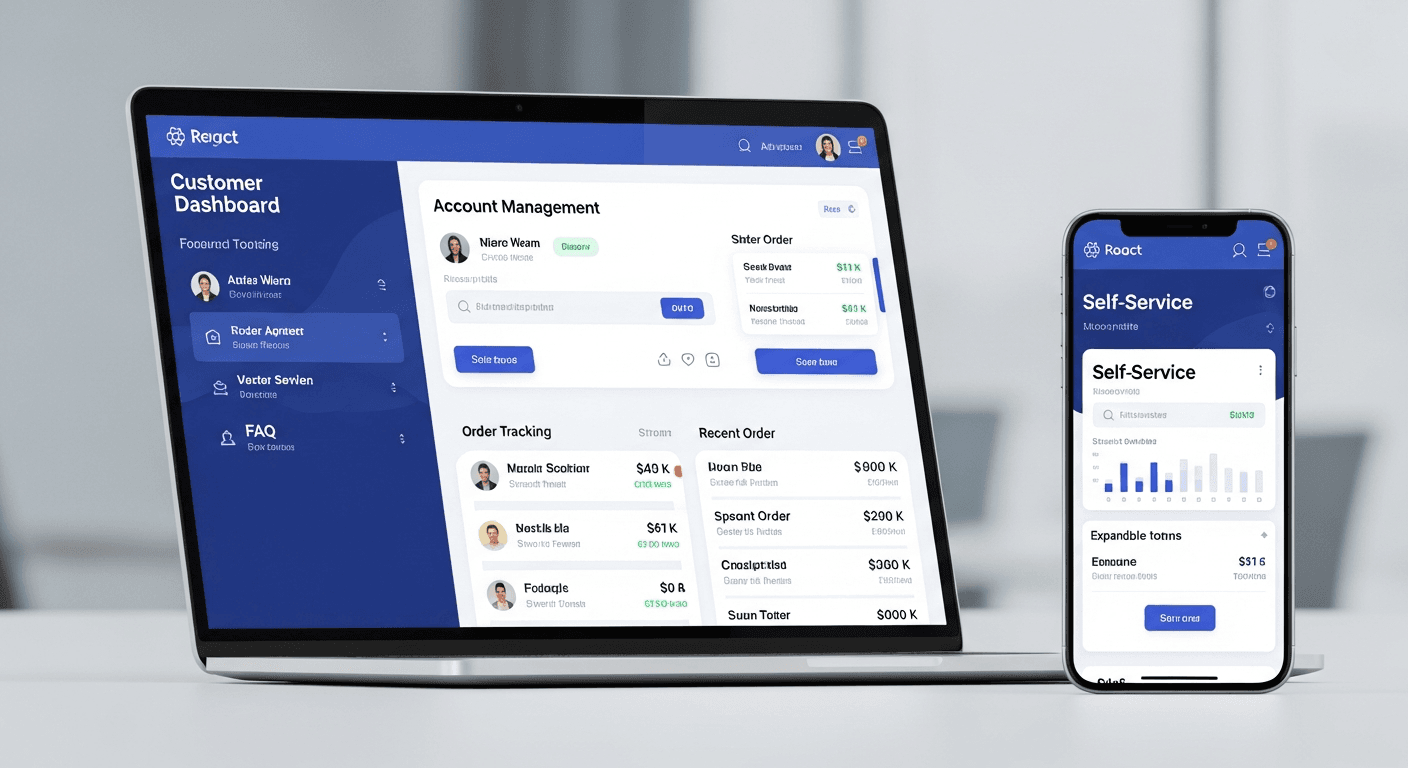
A well-designed React customer portal can eliminate 80% of repetitive support tickets by letting customers handle common tasks themselves. After building dozens of these systems for small businesses, I’ve found that most support requests fall into predictable categories: account updates, billing questions, order status checks, and simple troubleshooting. The right self-service dashboard addresses these pain points before they reach your inbox.
Here’s what separates effective automated support systems from digital paperweights that customers ignore.
The Core Components Every React Customer Portal Needs
Your portal needs five essential sections to handle the majority of support requests. Skip any of these and you’ll still be answering the same questions manually.
Account Management Hub: This handles 35% of typical support tickets. Users need to update payment methods, change passwords, modify contact information, and adjust notification preferences. Build this with React Hook Form and validate everything client-side before submission. Nothing frustrates users more than clicking submit only to discover their credit card format was wrong.
Real-Time Order Tracking: Another 25% of tickets disappear when customers can see exactly where their order stands. Integrate with your fulfillment system’s API and show status updates with timestamps. Don’t just say “processing” — show “Order confirmed at 2:14 PM, preparing for shipment.”
Interactive FAQ with Smart Search: Traditional FAQs are dead. Build a searchable knowledge base using React with fuzzy matching. When someone types “refund,” show all refund-related articles instantly. I use Fuse.js for this — it catches typos and understands partial matches.
Billing and Invoice Portal: Customers want to download invoices, view payment history, and update billing addresses without calling you. Build this section with clear visual hierarchy. Show current balance prominently, make invoice downloads one click, and display payment history in a clean table format.
Ticket Submission for Complex Issues: When self-service isn’t enough, make ticket creation effortless. Use React forms with conditional fields that appear based on issue type. This pre-categorizes requests and gives you context before you even read them.
Authentication and Security Implementation
Your React customer portal needs bulletproof auth without friction. Here’s my standard approach.
I implement JWT tokens with automatic refresh. Users shouldn’t think about logging in constantly, but their sessions need to stay secure. Set access tokens to expire in 15 minutes with refresh tokens lasting 30 days. Store refresh tokens in httpOnly cookies and access tokens in memory.
Add role-based permissions from day one. Even if you only have “customer” roles initially, you’ll want admin access later. Use React Context to manage user permissions throughout the app.
For password resets, skip the generic email template. Send branded emails with clear instructions and links that actually work. I’ve seen too many portals where the reset link throws a 404.
Building Self-Service Workflows That Actually Work
The difference between portals customers use and portals they abandon comes down to workflow design. Most small businesses get this wrong.
Start with your most common support requests. Look at your last 100 tickets — what patterns emerge? For most small businesses, it’s payment failures, shipping questions, and account access issues.
Build each workflow as a guided process, not a form dump. Instead of showing 15 fields for updating account info, use a step-by-step wizard. Step 1: Basic info. Step 2: Contact preferences. Step 3: Confirm changes. This feels manageable instead of overwhelming.
Why do customers abandon self-service? They get stuck and can’t find help. Add contextual assistance throughout your React components. Use tooltips, inline help text, and progressive disclosure. When someone hovers over “Billing Cycle,” show exactly what that means for their account.
Implement smart defaults everywhere. If a customer’s last order was shipped to their home address, pre-populate return requests with that address. Small touches like this make the difference between completion and abandonment.
Integration Strategy for Small Business Tools
Your customer portal isn’t an island. It needs to talk to your existing systems seamlessly.
Most small businesses use a combination of payment processors (Stripe, PayPal), CRMs (HubSpot, Pipedrive), and helpdesk tools (Zendesk, Freshdesk). Your React portal should pull data from these systems in real-time, not rely on manual updates.
Build API integrations with error handling that doesn’t break the user experience. If Stripe is down, show cached payment history with a note about delayed updates. Don’t show error screens that scare customers away.
For inventory and order management, webhook integrations work better than polling. When an order status changes in your fulfillment system, push that update to your portal immediately. Customers check order status obsessively — give them real-time data.
Performance and Mobile Optimization
Portal performance directly impacts support ticket volume. Slow portals frustrate users into calling you instead.
Implement React lazy loading for dashboard sections. Load the account overview first, then fetch billing data and order history in the background. Use React Suspense with meaningful loading states — show skeleton screens instead of spinners.
Optimize for mobile from the start. Over 60% of customers will access your portal on mobile devices. Navigation needs to work with thumbs, not mouse cursors. Make buttons large enough to tap easily and ensure forms work with mobile keyboards.
Cache frequently accessed data using React Query or SWR. Customer account information doesn’t change often — cache it locally and refresh only when needed.
Measuring Success and Continuous Improvement
Track the metrics that matter: ticket reduction, portal adoption, and user satisfaction.
Before launching your React customer portal, measure your baseline support ticket volume by category. After three months, compare the numbers. You should see significant drops in account-related and status-inquiry tickets.
Monitor portal usage with analytics. Which sections get used most? Where do users drop off? Use this data to refine your workflows. If everyone exits during the password reset flow, there’s probably a UX issue.
Collect feedback directly in the portal. Add simple thumbs up/down buttons after users complete tasks. When someone gives a thumbs down, ask for a quick comment. This feedback drives your improvement roadmap.
Implementation Timeline and Resource Planning
Building an effective customer portal takes 6-8 weeks with a focused approach. Don’t try to launch everything at once.
Week 1-2: Core authentication and account management. Get login, logout, and basic profile updates working perfectly before moving on.
Week 3-4: Order tracking and billing sections. These handle the bulk of support requests and deliver immediate value.
Week 5-6: FAQ system and ticket submission. This catches the edge cases your self-service can’t handle.
Week 7-8: Polish, testing, and soft launch with select customers. Get feedback and fix issues before full rollout.
Budget approximately $8,000-15,000 for professional development, depending on complexity and integrations needed.
Frequently Asked Questions
How quickly will a React customer portal reduce support tickets?
Most small businesses see a 40-60% reduction in support tickets within the first month after launch. The full 80% reduction typically takes 2-3 months as customers discover and adopt the self-service features. Key factors include portal usability, integration completeness, and how well you communicate the new options to existing customers.
What’s the biggest mistake small businesses make when building customer portals?
Trying to replicate their entire business process in the portal instead of focusing on the most common support requests. Start with the 5-6 issues that generate 80% of your tickets. A simple portal that solves real problems beats a complex one that confuses users.
How do I get customers to actually use the self-service portal?
Make it easier than calling or emailing you. Send portal links in confirmation emails, add prominent links to your website, and train your support team to direct customers to the portal for routine requests. Consider offering small incentives like account credits for first-time portal usage.
What React libraries and tools work best for customer portals?
I recommend React Router for navigation, React Hook Form for form handling, React Query for API state management, and Tailwind CSS for styling. For authentication, Auth0 or Firebase Auth handle the complexity well. Keep your tech stack simple and focused on reliability over novelty.
How much maintenance does a React customer portal require?
Plan for 4-6 hours per month of routine maintenance: security updates, bug fixes, and minor feature additions. Quarterly reviews help identify new self-service opportunities based on support ticket patterns. The time investment pays for itself many times over in reduced support load.
Should I build the portal in-house or hire a development team?
If your team has React experience and can dedicate 6-8 weeks to the project, building in-house works well. Otherwise, hiring experienced developers saves time and ensures best practices for security and performance. The portal becomes a critical business system — invest in getting it right the first time.


