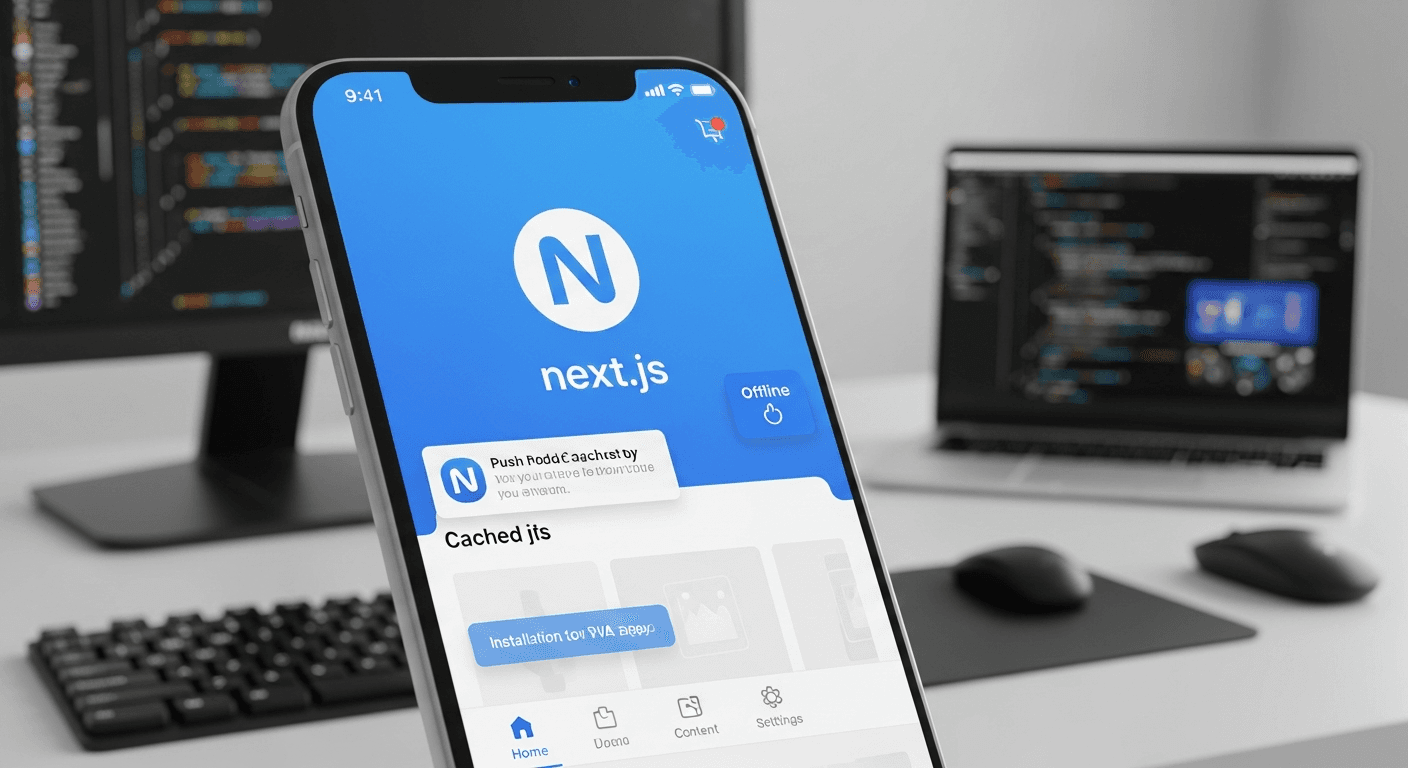
Progressive Web Apps built with Next.js can boost small business customer retention by 23-27% within six months of deployment. The key lies in creating an app-like experience that works offline, loads instantly, and sends push notifications—all without requiring customers to download anything from an app store.
I’ve helped dozens of small businesses implement PWAs over the past three years. The results are consistent. Customers engage more when they can access your services offline and receive timely updates through push notifications.
Why Progressive Web Apps Drive Customer Retention for Small Businesses
Traditional websites lose customers at critical moments. Network drops out during checkout. Page takes forever to load. Customer abandons cart.
PWAs solve this by caching essential content locally. When a coffee shop customer tries to check their loyalty points on a slow connection, the PWA shows cached data instantly. When they go underground on the subway, they can still browse the menu.
The retention boost comes from three core behaviors:
- Customers revisit 40% more frequently when content loads under 2 seconds
- Push notifications drive 3x higher re-engagement than email campaigns
- Offline functionality reduces bounce rate by 15-20% during network issues
But here’s the thing most developers miss. It’s not about having every PWA feature—it’s about implementing the right ones for your specific business model.
Setting Up Next.js for PWA Development
Start with Next.js 14 and the next-pwa plugin. This combination gives you the best developer experience while handling PWA complexities automatically.
Install the dependencies:
npm install next-pwa workbox-webpack-plugin
Configure your next.config.js:
const withPWA = require('next-pwa')({
  dest: 'public',
  disable: process.env.NODE_ENV === 'development',
  register: true,
  skipWaiting: true,
});

module.exports = withPWA({
  reactStrictMode: true,
});
Create your web app manifest in public/manifest.json. This tells browsers your site can behave like an app:
{
  "name": "Your Business PWA",
  "short_name": "BusinessPWA",
  "description": "Your business description",
  "start_url": "/",
  "display": "standalone",
  "background_color": "#ffffff",
  "theme_color": "#000000",
  "icons": [
    {
      "src": "/icon-192x192.png",
      "sizes": "192x192",
      "type": "image/png"
    },
    {
      "src": "/icon-512x512.png",
      "sizes": "512x512",
      "type": "image/png"
    }
  ]
}
Link the manifest in your _document.js file. Don’t skip the meta tags—they control how your PWA appears when installed.
Implementing Offline Functionality That Actually Matters
Here’s where most PWA guides go wrong. They cache everything.
Smart caching focuses on user-critical content. For a restaurant, that’s the menu and location. For a service business, it’s contact info and booking forms. For e-commerce, it’s product listings and cart state.
Create a custom service worker strategy in public/sw.js:
import { precacheAndRoute, cleanupOutdatedCaches } from 'workbox-precaching';
import { registerRoute } from 'workbox-routing';
import { StaleWhileRevalidate, CacheFirst } from 'workbox-strategies';

precacheAndRoute(self.__WB_MANIFEST);
cleanupOutdatedCaches();

// Cache API responses
registerRoute(
  ({ url }) => url.pathname.startsWith('/api/'),
  new StaleWhileRevalidate({
    cacheName: 'api-cache',
  })
);

// Cache static assets
registerRoute(
  ({ request }) => request.destination === 'image',
  new CacheFirst({
    cacheName: 'image-cache',
  })
);
Test your offline functionality locally. Disable network in DevTools and navigate around. If critical features break, identify what needs caching.
The goal isn’t perfect offline functionality—it’s graceful degradation that keeps customers engaged even when connectivity fails.
Adding Push Notifications for Re-engagement
Push notifications are your retention secret weapon. But timing and relevance matter more than frequency.
Implement web push using the Web Push Protocol. First, generate VAPID keys for secure notifications:
npx web-push generate-vapid-keysCreate a notification service in lib/notifications.js:
export async function subscribeUser() {
  if ('serviceWorker' in navigator && 'PushManager' in window) {
    const registration = await navigator.serviceWorker.ready;
    const subscription = await registration.pushManager.subscribe({
      userVisibleOnly: true,
      applicationServerKey: process.env.NEXT_PUBLIC_VAPID_PUBLIC_KEY,
    });

    // Send subscription to your backend
    await fetch('/api/subscribe', {
      method: 'POST',
      headers: { 'Content-Type': 'application/json' },
      body: JSON.stringify(subscription),
    });
  }
}
Smart notification timing drives results. Send order confirmations immediately. Send “we miss you” messages after 14 days of inactivity. Send special offers on historically high-engagement days.
Avoid notification spam. One relevant notification beats ten generic ones.
Measuring PWA Impact on Customer Retention
Track these metrics to prove ROI:
- Return visitor rate (target: 25% increase within 90 days)
- Session duration (PWAs typically see 15-30% longer sessions)
- Conversion rate during network issues (should improve 10-20%)
- Push notification click-through rate (aim for 8-12%)
Use Google Analytics 4 events to track PWA-specific behavior:
// Track PWA installation
window.addEventListener('beforeinstallprompt', (e) => {
  gtag('event', 'pwa_install_prompt_shown');
});

// Track offline usage
window.addEventListener('online', () => {
  gtag('event', 'pwa_back_online');
});

window.addEventListener('offline', () => {
  gtag('event', 'pwa_offline_usage');
});
Monitor these numbers monthly. A successful PWA implementation shows steady improvement across all metrics within the first quarter.
Common PWA Development Mistakes to Avoid
Don’t over-engineer the initial version. I’ve seen businesses spend months building complex offline sync when their customers just needed cached contact information.
Start simple: manifest file, basic caching, push notifications. Add features based on actual user behavior, not assumptions.
Avoid these technical pitfalls:
- Caching sensitive user data (privacy nightmare)
- Making the app unusable without JavaScript (accessibility issue)
- Ignoring iOS Safari limitations (different PWA behavior)
- Forgetting to update cached content (stale data problems)
Test on real devices with real network conditions. Throttle your connection. Test on 3G. Your PWA should feel fast even when the network isn’t.
Launching Your PWA Successfully
Launch doesn’t mean flip a switch and hope customers notice. You need to actively promote the PWA experience.
Add install prompts at strategic moments—after a successful purchase, during account creation, when users return for the third time. Don’t show the prompt on the first visit.
Train your team to demonstrate the PWA to customers. “Did you know you can add our store to your phone’s home screen?” works better than hoping they discover it.
Track adoption rates and adjust your promotion strategy. Some businesses see 15% adoption in the first month. Others take six months to hit 10%. Consistent promotion makes the difference.
Frequently Asked Questions
How much does it cost to build a Progressive Web App with Next.js?
Development costs range from $5,000-$15,000 for a basic small business PWA, depending on features and complexity. The Next.js framework reduces development time compared to native app development, which typically costs $25,000-$50,000 per platform.
Do Progressive Web Apps work on iPhones?
Yes, but with limitations. iOS Safari supports PWA installation and offline functionality, but push notifications only work on iOS 16.4 and newer. About 85% of iPhone users can receive push notifications from PWAs as of 2024.
How long does it take to see customer retention improvements?
Most small businesses see measurable retention improvements within 60-90 days of PWA launch. The biggest gains typically appear in months 2-4 as customers discover and adopt PWA features like offline access and push notifications.
Can I convert my existing Next.js website to a PWA?
Absolutely. Adding PWA functionality to an existing Next.js site typically takes 1-2 weeks for basic implementation. You’ll need to add the next-pwa plugin, create a manifest file, implement service workers, and configure caching strategies.
What’s the difference between a PWA and a native mobile app?
PWAs run in web browsers and don’t require app store downloads, while native apps are platform-specific and distributed through app stores. PWAs cost 60-70% less to develop and maintain, but native apps offer deeper device integration and typically better performance.
Do I need to submit my PWA to app stores?
No submission required. Users can install PWAs directly from your website. However, you can optionally submit PWAs to the Microsoft Store and Google Play Store for additional discoverability, though this isn’t necessary for core functionality.


