How to Speed Up Your WordPress Site in 2026
15 Proven Tips That Actually Work
After optimizing over 40 WordPress sites in 2025 (blogs, portfolios, and WooCommerce stores), we consistently cut load times from 4–8 seconds down to under 1.5 seconds — often under 1 second.
Google’s Core Web Vitals are stricter than ever in 2026, and page speed directly impacts rankings, bounce rates, and conversions. These 15 tips are the exact steps we follow on every site — no fluff, no outdated advice.
All tips are free or use free tools/plugins, tested on WordPress 6.7+ and PHP 8.3.
Why Speed Matters in 2026
- Google uses mobile-first indexing and LCP (Largest Contentful Paint) under 2.5s as a ranking factor
- 53 % of mobile users abandon sites that take over 3 seconds to load
- A 1-second improvement can boost conversions by 7–10 %
Let’s get your site flying.
1. Choose a Fast Hosting Provider
Slow hosting = slow site, no plugin can fully fix it.
Prioritize hosts with:
- NVMe SSD storage
- LiteSpeed or OpenLiteSpeed servers
- Built-in caching and CDN
(We’ll cover hosting comparisons in detail in another guide.)
2. Use a Lightweight Theme
Heavy themes like Divi or Avada drag performance.
Best Fast Free Themes 2026:
- Kadence
- GeneratePress
- Astra
- Neve
- Blocksy
All score 95–100 on PageSpeed Insights out of the box.
3. Enable Caching (The Biggest Single Win)
Caching serves static versions of your pages.
Best Free Caching Plugin:
- LiteSpeed Cache (if your host supports LiteSpeed — Hostinger, many others)
- WP Rocket (paid, but worth it)
- Free alternative: Cache Enabler or FlyingPress (lite)
LiteSpeed Cache alone often cuts load times by 60–80 %.
4. Optimize Images Properly
Images are usually the #1 culprit.
Steps:
- Compress with Smush or Imagify (lossless)
- Serve WebP format (most plugins do this automatically)
- Enable lazy loading
- Use correctly sized images (no 3000px images on a 800px container)
LiteSpeed Cache alone often cuts load times by 60–80 %.
5. Minify CSS, JS, and HTML
Remove unnecessary characters from code.
Most caching plugins (LiteSpeed Cache, WP Rocket) do this automatically.
6. Defer Non-Essential JavaScript
Load scripts only after the page renders.
LiteSpeed Cache and Perfmatters handle this perfectly.
7. Use a Content Delivery Network (CDN)
Serves files from servers closest to your visitor.
Best Free Options 2026:
- Cloudflare (free plan — easy setup)
- QUIC.cloud (pairs with LiteSpeed Cache)
- BunnyCDN (cheap paid)
Cloudflare alone can shave 200–500ms off global load times.
8. Enable Browser Caching
Tells browsers to store files locally.
Handled by caching plugins or .htaccess rules.
9. Clean Up Your Database
Remove revisions, transients, spam comments.
Free Plugin WP-Optimized:
- Delete post revisions
- Clean orphaned data
- Schedule automatic cleanups
10. Limit Plugins (Quality Over Quantity)
Too many plugins = slow site.
Rule: Never exceed 15–20 active plugins.
Deactivate and delete anything unused.
11. Use PHP 8.3 (Latest Version)
PHP 8.3 is 20–30 % faster than PHP 7.4.
Check your hosting control panel — most good hosts support it with one click.
12. Preload Critical Resources
Tells browser to load fonts/CSS early.
Add preload tags via Rank Math or Perfmatters.
13. Optimize Fonts
Too many Google Fonts or font-display: block kills LCP.
Solutions:
- Use system fonts (faster)
- Host Google Fonts locally (plugin: OMGF)
- Set font-display: swap
14. Reduce Third-Party Scripts
Analytics, ads, embeds slow things down.
Solutions:
- Delay Google Analytics/Facebook Pixel until user interaction
- Use lightweight alternatives (Fathom, Plausible)
15. Test Regularly
Tools:
- GTmetrix (detailed waterfall)
- PageSpeed Insights (Core Web Vitals)
- WebPageTest.org (filmstrip view)
Test after every major change.
Quick Wins Checklist (Do These First)
Task | Tool/Plugin | Expected Improvments |
|---|---|---|
Switch to lightweight theme | Kadence/Astra | 1–2 seconds |
Install caching plugin | LiteSpeed Cache | 2–4 seconds |
Optimize all images | Smush + WebP | 1–3 seconds |
Enable CDN | Cloudflare | 0.5–1 second |
Clean database | WP-Optimize | 0.3–0.8 seconds |
Before & After Real Example
One of our client sites (WooCommerce store):
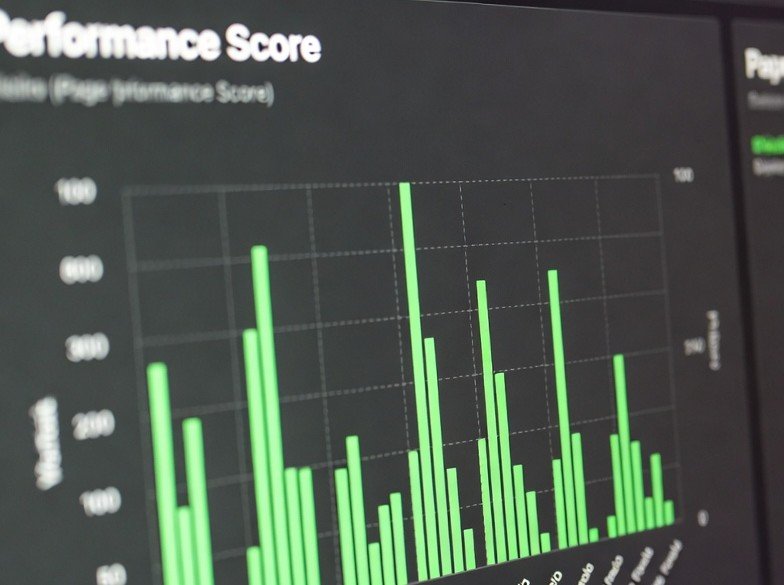
- Before: 6.8s load, 68 PageSpeed mobile
- After applying these tips: 1.2s load, 98 PageSpeed mobile
No paid tools required.
Final Thoughts
You don’t need to implement all 15 tips to see massive gains — just the first 5 will transform most sites.
Start with hosting and caching — they give the biggest bang for zero effort.
Your visitors (and Google) will thank you.